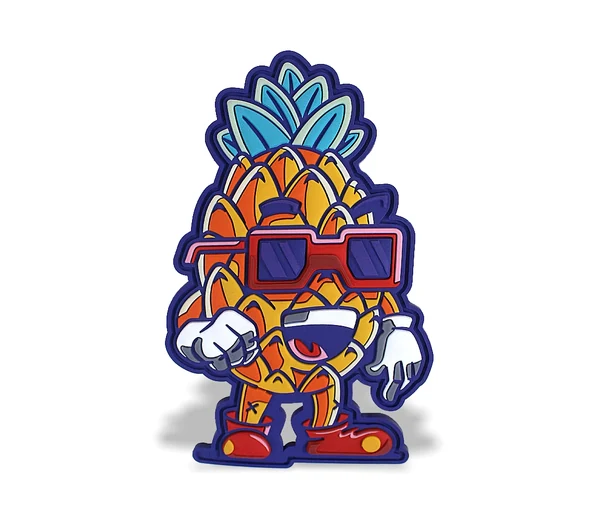
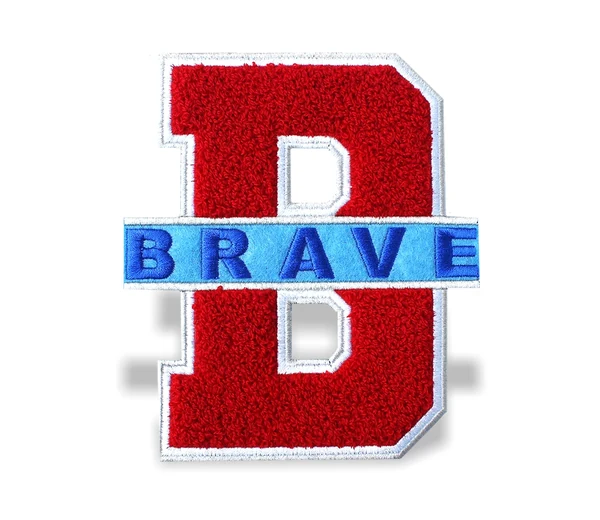
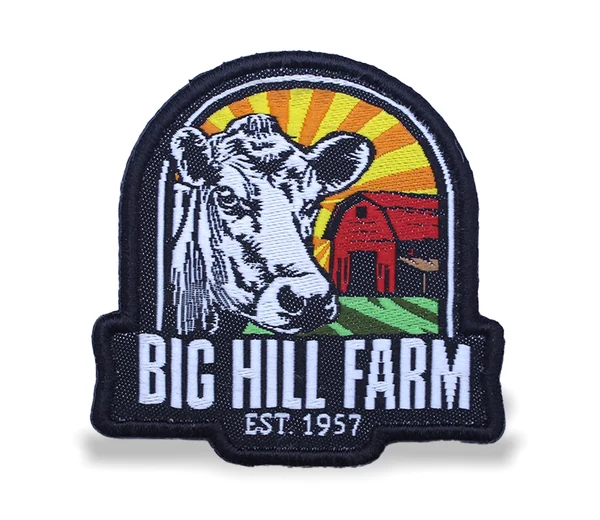
You do not need to be a designer to order a great patch. A clear logo or sketch is enough to start, and our team can turn it into production-ready artwork. These tips help you get the best result first time.
Send the best file you have
Vector files such as AI, EPS, PDF or SVG are ideal because they stay sharp at any size. If you only have a PNG or JPG, that is fine too, as long as it is large and clear. A phone photo of a sketch is also a good place to start.
Keep the design thread-friendly
- Use a limited number of solid colours rather than gradients.
- Avoid hairline strokes and very tiny text, which can fill in when stitched.
- Leave a little space between elements so they stay distinct.
- Simplify fine shading into clear blocks of colour.
Choose your colours
Thread-based patches are made from a numbered palette of shades. Browse our Thread Colour Guide, note the thread numbers you like and include them in your request. If you have brand colours, send the Pantone or HEX values and we will suggest the closest matches. Screen colours can differ slightly from real thread, so always check the digital proof.
Need photos or gradients?
If your design has photographic detail, shading or many colours, a sublimated patch is usually a better fit than thread. It prints the full-colour artwork directly, so gradients come out smoothly.